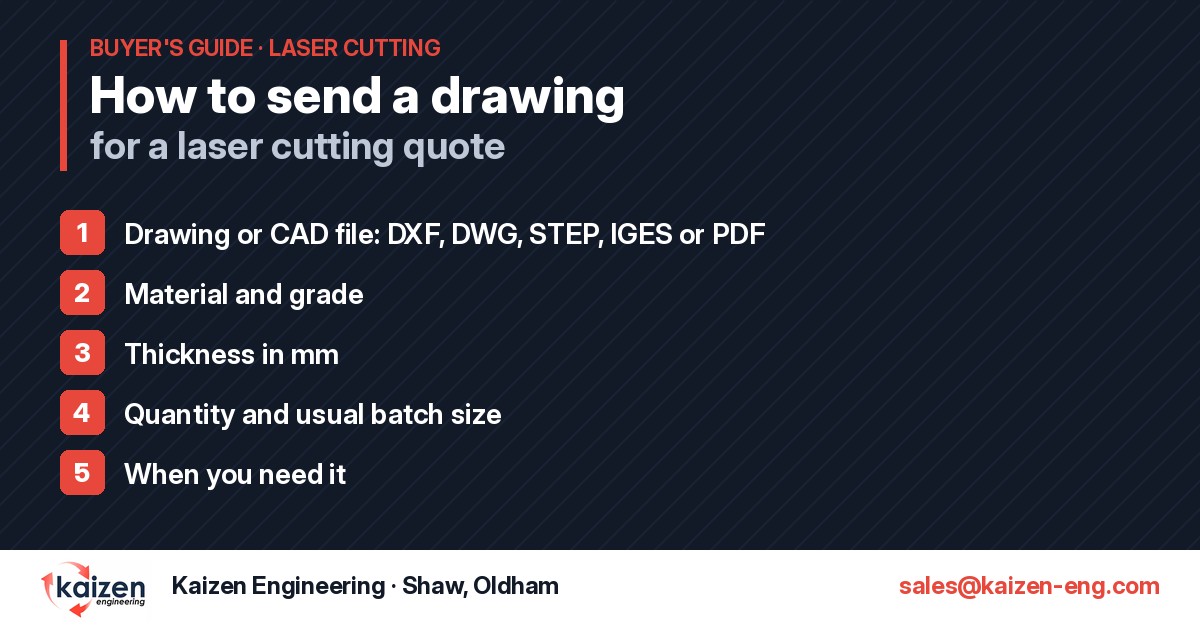
The quickest way to get an accurate laser cutting quote is to send a clean drawing with the right details first time. Whether you’re a buyer at a large manufacturer placing a repeat order or a small firm needing a handful of brackets, this checklist covers what we need from you and the simple file fixes that save time on both sides.
If the parts also need folding, welding or assembling, say so in the same email and we’ll quote the whole job rather than just the cut blanks. Our request a quote checklist has the full list on one page if you want to keep it handy.
A DXF is the most direct route to a price, because it can be nested and programmed straight from the file. A few minutes tidying it up before you send it avoids queries and delays.
Export the part at full size in millimetres. If a file has been scaled or drawn in inches, the part can come out the wrong size, so it’s worth checking one known dimension before you send it.
Send the flat profile, not a folded 3D view. If you have several parts, either send one file per part or lay them out with space between them and label each one with its part number and quantity.
Title blocks, dimensions, centre lines, hatching and notes are useful on a PDF but get in the way in a DXF. Strip them out of the cutting file, or put them on a separate, clearly named layer. If you want lines etched or marked rather than cut through, put them on their own layer and tell us.
Each outline needs to be a fully closed shape. Small gaps between lines, overlapping lines and duplicated lines drawn on top of each other are the most common reasons a file has to be cleaned up before it can be programmed.
Very small holes and narrow slots relative to the plate thickness can be difficult to cut cleanly, especially in thicker plate. If your design has fine features, mention it and we’ll advise before cutting.
No CAD file? That’s fine. A dimensioned PDF drawing, or even a clear sketch with all the sizes marked, is enough for us to quote. Make sure it shows the overall length and width, every hole size and position, the material and the thickness. If anything is missing or unclear, we’ll ask rather than guess.
If the part is going on the press brake after cutting, let us know whether your drawing shows the flat blank or the finished folded part, and which dimensions are inside or outside. We have CNC press braking on site, so we can work out the flat blank for you and quote cut and fold together.
Once a part is programmed it can be cut again to the same standard. When you reorder, quoting your previous part number or order reference is usually all we need, which makes repeat and scheduled call-off work quick to turn round.
Email your files and details to sales@kaizen-eng.com, call us on 01706 847 172, or use our contact form. We aim to quote the same day. You can read more about our laser cutting service, press braking and fabrication.
Kaizen Engineering, Thomas Street, Shaw, Oldham OL2 8PG.
All engineering file formats, such as DXF, DWG, STEP, IGES and PDF. A dimensioned sketch is fine for simple parts.
Yes. As long as the PDF is fully dimensioned and shows the material and thickness, we can quote from it.
Yes. Laser cutting needs no tooling, so single parts and prototypes stay cost effective, and the same program can be reused for production batches. See one-offs to repeat batches for more.
No. A 2D drawing of the finished part with its dimensions is enough. If you have a STEP file, send it as well and we’ll use it to check the flat blank.
Hardox® is a registered trademark of SSAB.
